

In some scenarios, off-site backup is required to ensure data integrity. This article explains how to use s3fs to mount cloud object storage as a storage space on a Linux virtual compute instance, or as an alternative storage option that can be used together with a virtual instance.
Prerequisites
TWCC v1.super (2 CPUs, 2GB memory, 100GB HDD) virtual computing instance
Procedure
1. Install the necessary packages for s3fs-fuse.
- sudo apt install automake autotools-dev fuse g++ git libcurl4-gnutls-dev libfuse-dev libssl-dev libxml2-dev make pkg-config
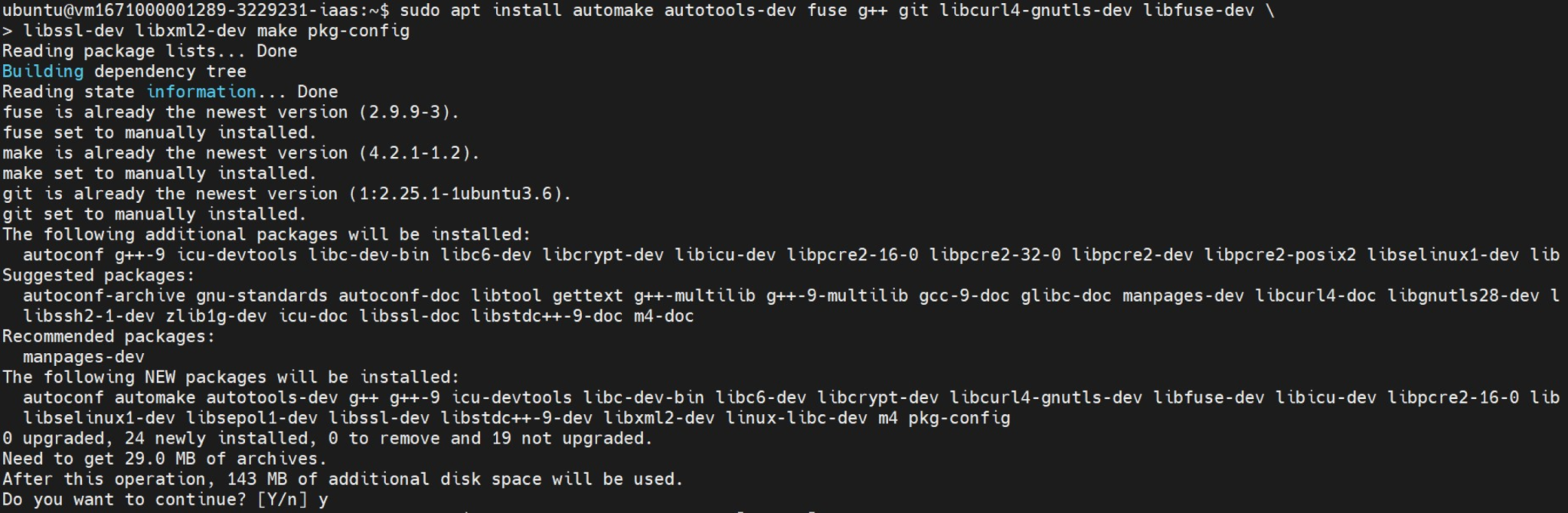
Then compile using the following commands:
- git clone https://github.com/s3fs-fuse/s3fs-fuse.git
- cd s3fs-fuse
- ./autogen.sh
- ./configure

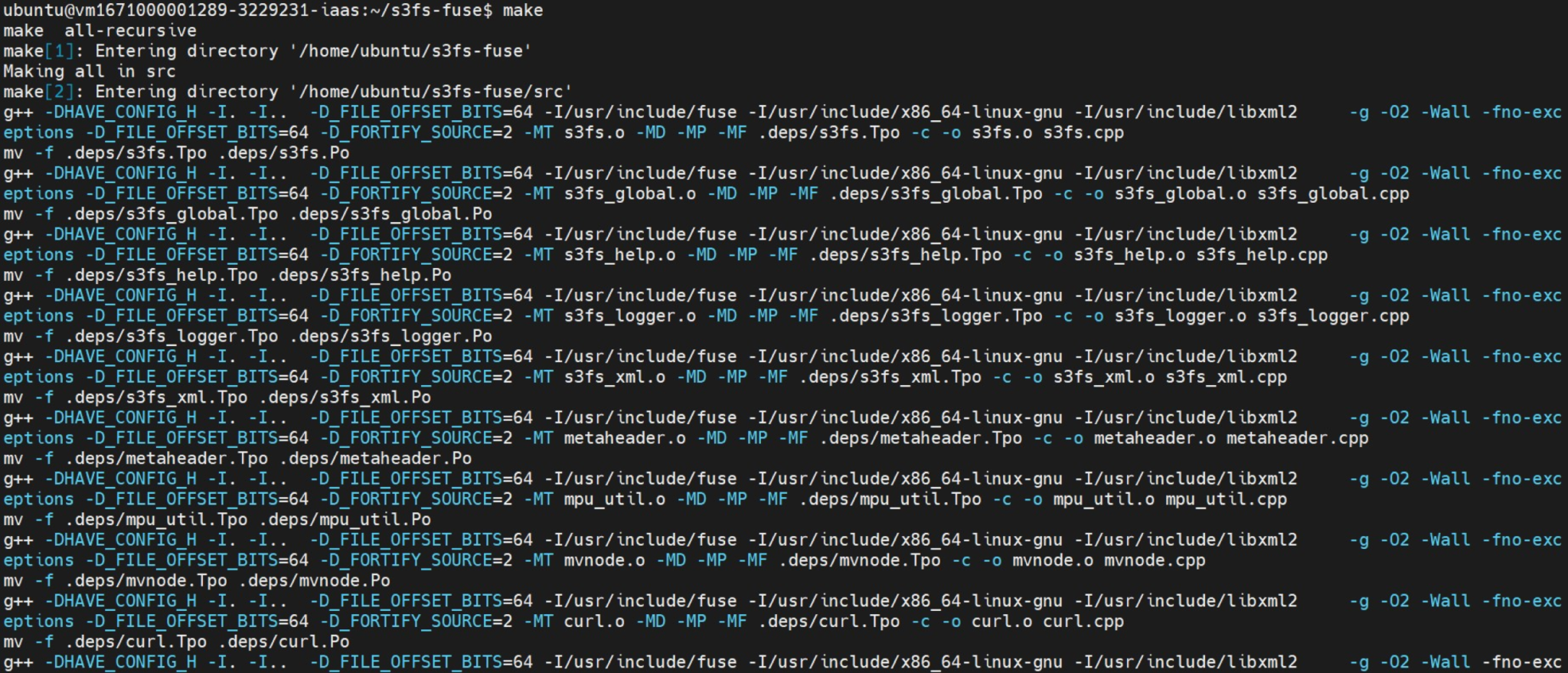
- make
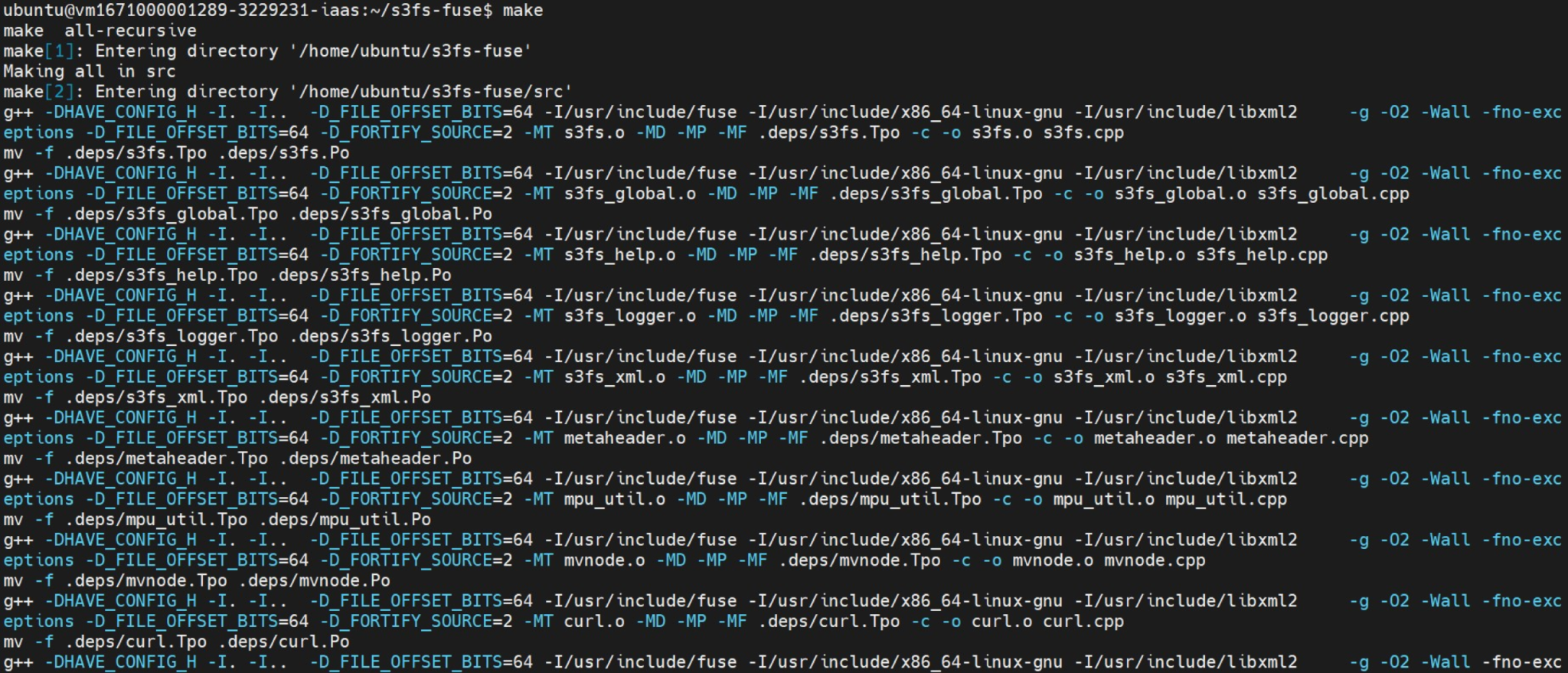
- sudo make install
2. Create Cloud Object Storage
This article uses an S3 bucket named mytwccbucket as an example. Create a folder named ~/mount_s3 under your own account.
- mkdir -p ~/mount_s3
3. Enter your credential
- mkdir -p ~/.AWS
- vim ~/.AWS/credentials
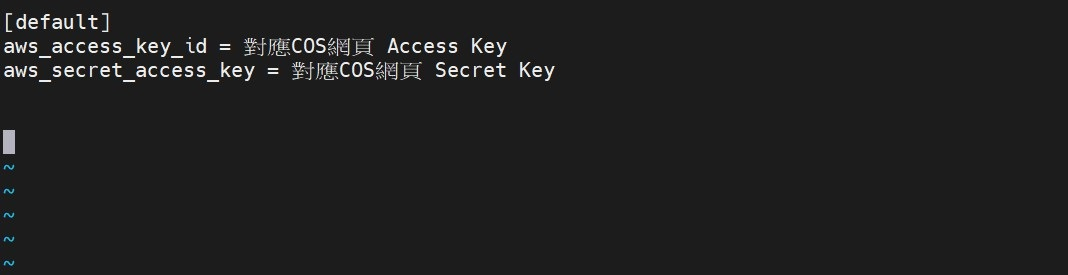
4. Mount s3fs
- s3fs mytwccbucket ~/mount_s3 -o url=https://cos.twcc.ai/ -o use_path_request_style
5.Mount Successful
Use df -h to query
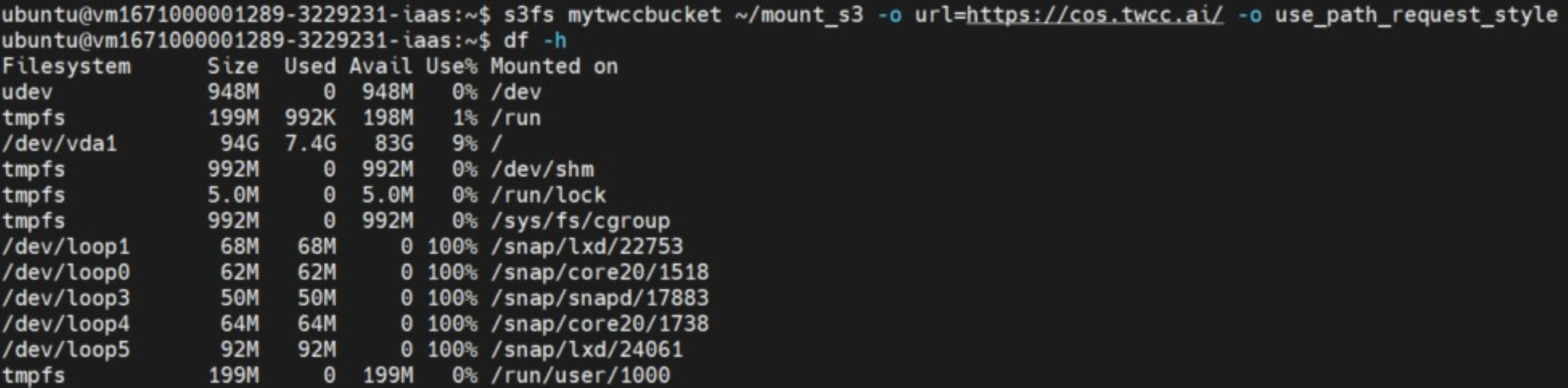
Image source: pixabay